You can programmatically add, hide or show items in NavigationView in Android.
First set your Android Project with NavigationView from Android Studio.
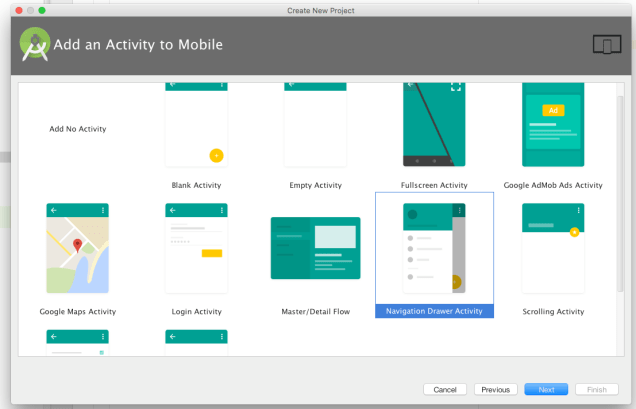
Follow the below code for that.
NavigationView navigationView = (NavigationView) findViewById(R.id.nav_view);

//add new item at the end of NavigationView menu
MenuItem mi = navigationView.getMenu().add(Menu.NONE, Menu.NONE, Menu.NONE, "Menu Item 1");

//set icon for that menu item
mi.setIcon(R.drawable.ic_icon_menu_item);

//hide the menuitem
mi.setVisible(false);

//show the menuitem
mi.setVisible(true);

//highlight the menuitem
mi.setChecked(true);

//un-highlight the menuitem
mi.setChecked(false);
 A Computer Engineer